Everything you need,
nothing you don't.
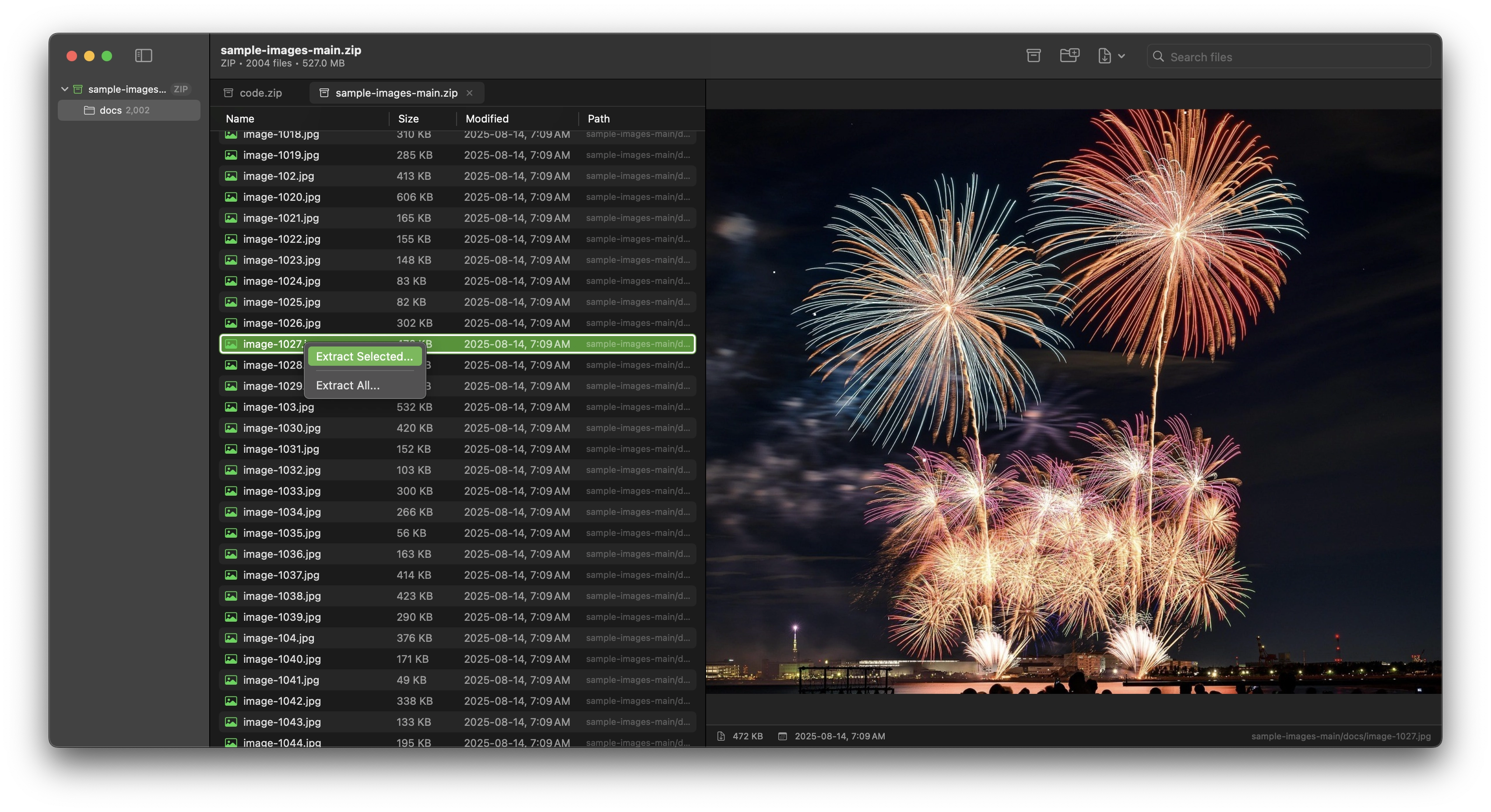
Preview Almost Anything
Inspect files before extracting: images, code, documents, right inside Pika.
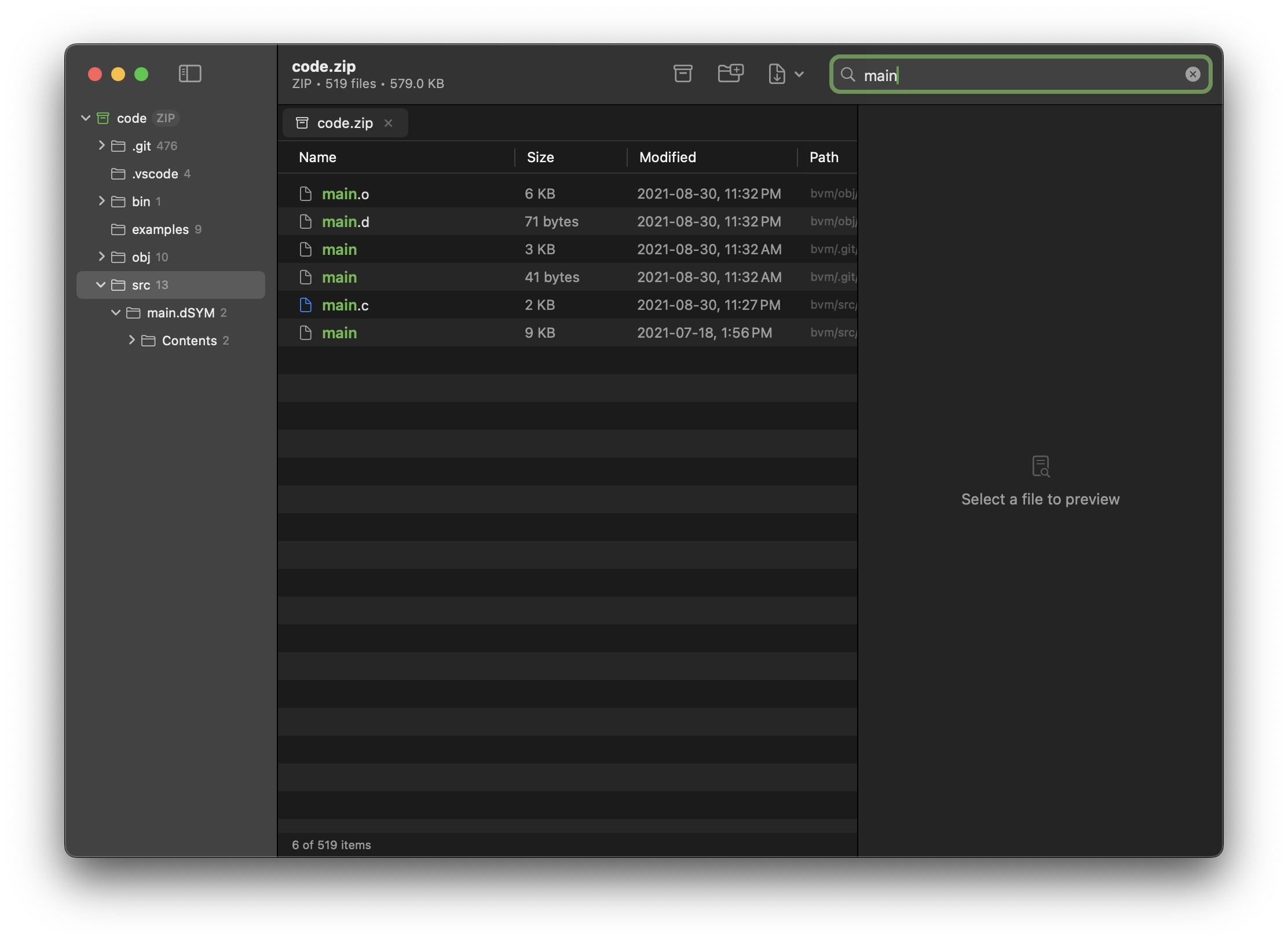
Instant Search
Find any file across your archives with blazing-fast search.
Selective Extract
Extract only what you need. Drag individual files out, skip the rest.
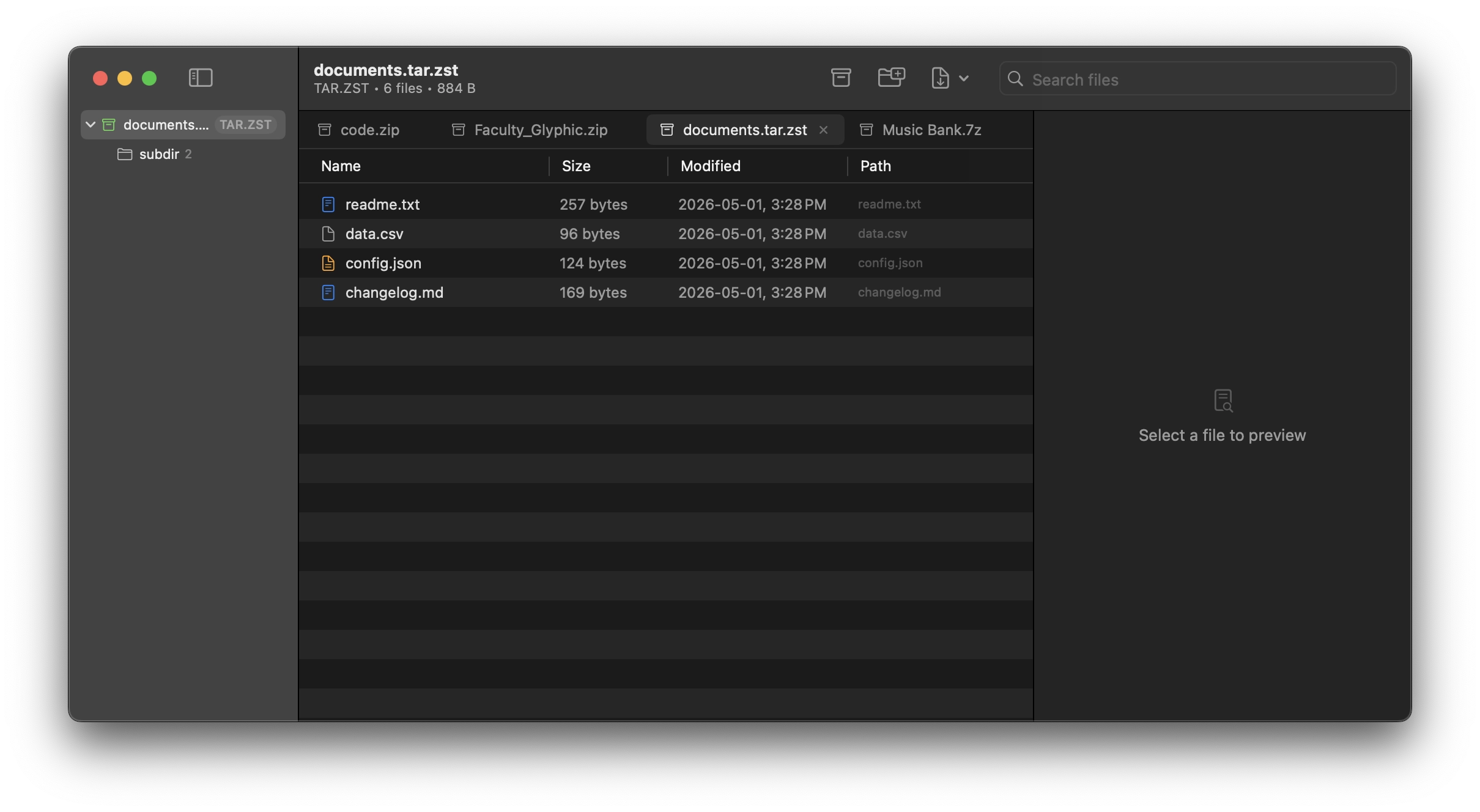
Tabbed Workflow
Work with multiple archives simultaneously. Each one gets its own tab.
Syntax Highlighting
Code files render with full syntax highlighting. Review code and config files without leaving the app.
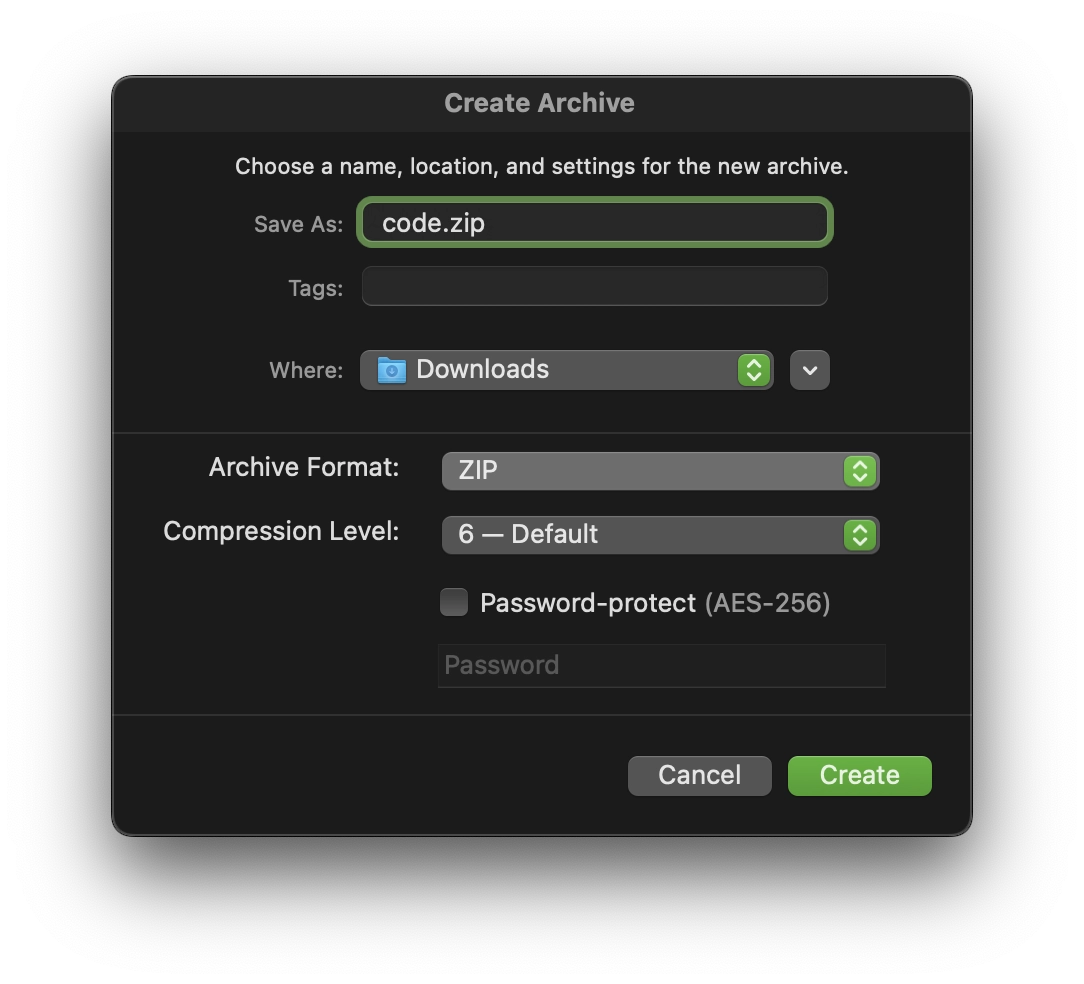
Smart Compression
Create compressed archives with intelligent defaults. ZIP, TAR, XZ, 7zip, and more.
See before
you extract.
Pika renders file previews inline: images, text, code, and more. No more extracting blindly. Know exactly what's inside before you commit.
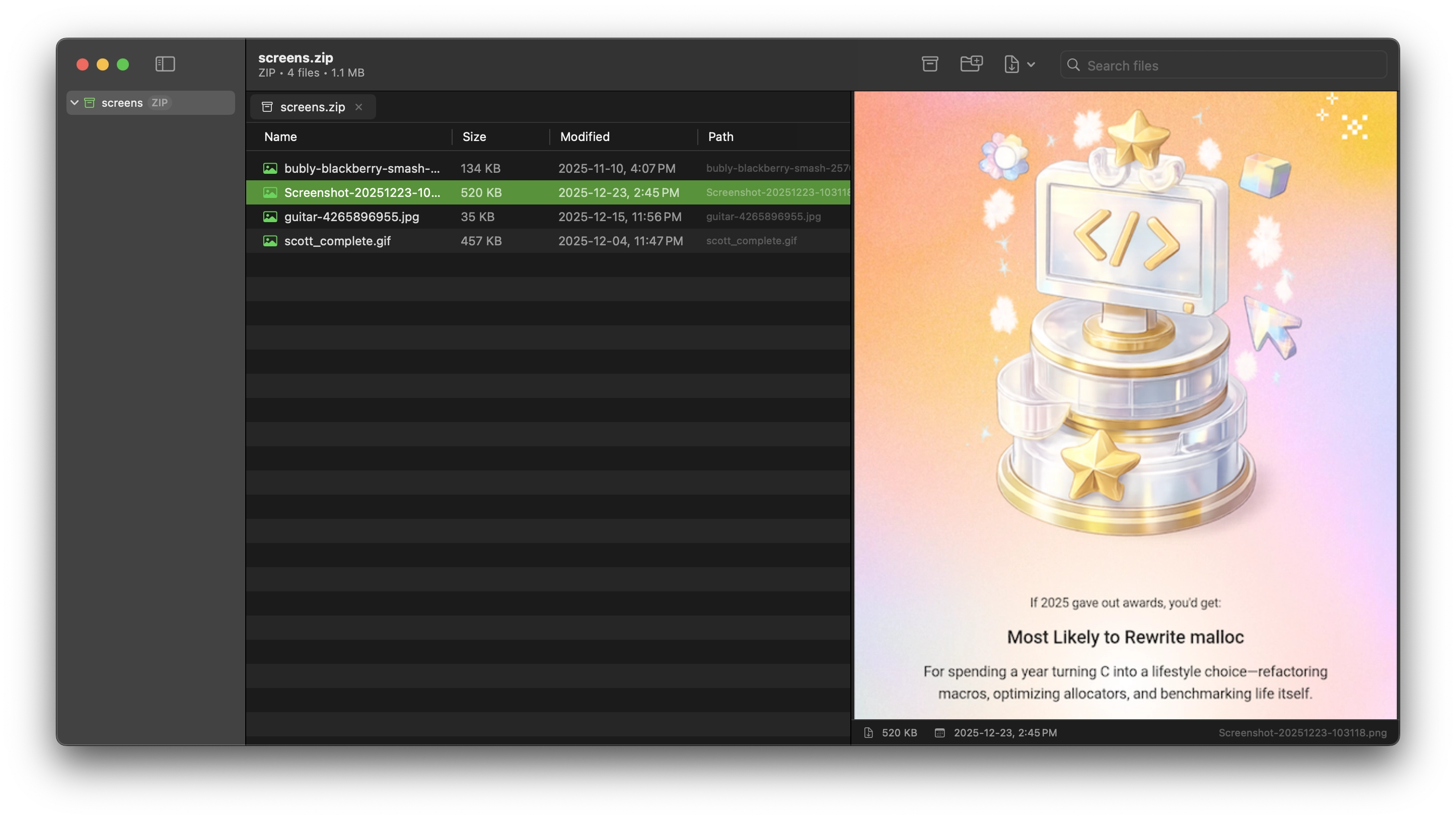
Code reads
like code.
Source files render with full syntax highlighting: colors, formatting, the works. Review patches, configs, and scripts without unpacking a thing.
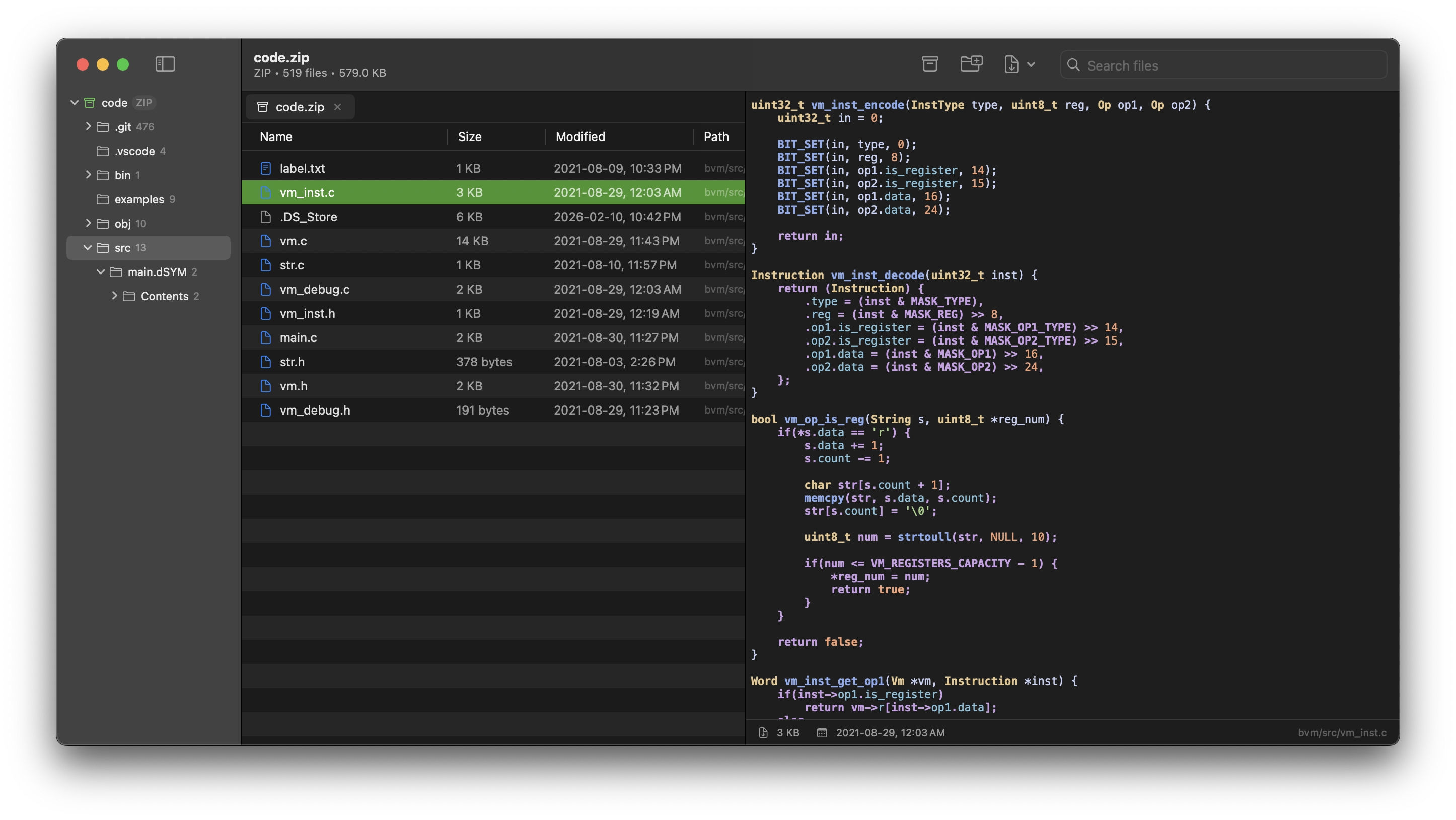
Take only
what you need.
Why extract everything? Select individual files or folders and extract only what you need. Pika gives you surgical control over your archives.
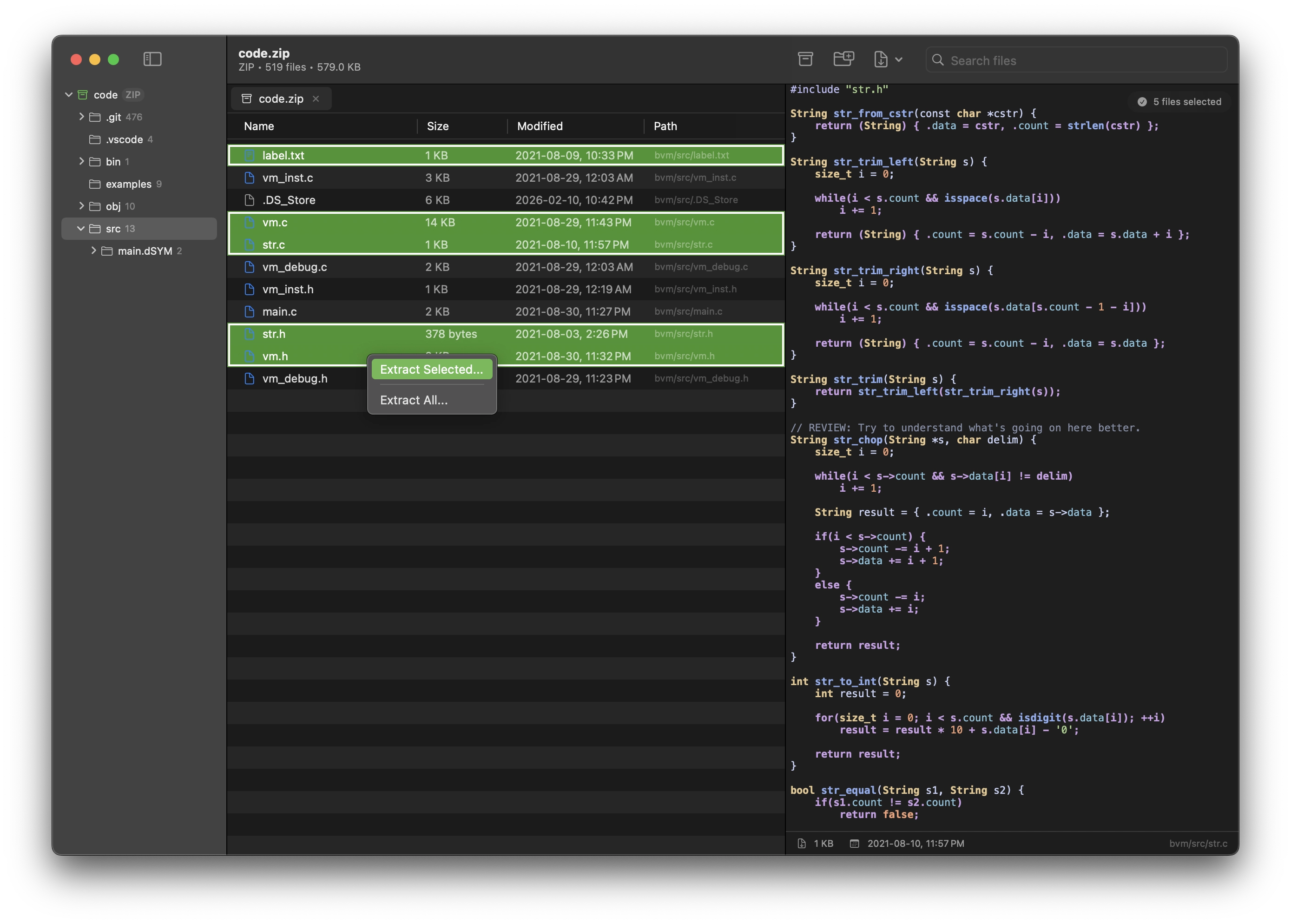
Multi-task
naturally.
Open multiple archives side by side in a familiar tab interface. Switch contexts without losing your place.
Find anything
instantly.
Real-time search across your entire archive. Search by filename, results appear as you type.
Create, not
just consume.
Pika isn't just for reading archives. Compress files and folders with smart defaults and multiple format support.
How Pika stacks up.
| Feature | Pika | BetterZip | Archiver | Keka |
|---|---|---|---|---|
| Price | $12.99 (7-day trial) | $24.95 | $26 | $5.99 (free version available) |
| License | One-time | One-time (up to 5 Macs) |
One-time / Setapp | One-time |
| macOS Native | ✓ | ✓ | ✓ | ✓ |
| Apple Silicon | ✓ | ✓ | ✓ | ✓ |
| Preview files before extraction | ✓ | ✓ | ✓ | — |
| Selective extract | ✓ | ✓ | ✓ | — |
| Instant search inside archives | ✓ | ✓ | — | — |
| Syntax-highlighted code preview | ✓ | — | — | — |
| Tabbed interface (multi-archive) | ✓ | — | — | — |
| Create archives (compress) | ✓ | ✓ | ✓ | ✓ |
| Password encryption (AES-256) | ✓ (7z, ZIP) | ✓ (7z, ZIP) | ✓ (7z, ZIP) | ✓ (7z, ZIP) |
| ZIP, TAR, GZ, BZ2, XZ | ✓ | ✓ | ✓ | ✓ |
| Zstandard | ✓ | ✓ | — | ✓ |
| RAR | ✓ (extract only) | ✓ | ✓ (extract only) | ✓ (extract only) |
| ISO | ✓ (extract only) | ✓ (extract only) | — | ✓ |
Pika is here.
A modern archive tool for macOS, built with care. Now available on the Mac App Store.